
X Close

ReadingLists@UCL

Home

Menu

Be Copyright wise and use your online reading list

By Pamela Clarke, on 22 October 2025

Students, ever wondered how to stay on the right side of copyright while diving into your course readings? We’ve got just the thing for you and it’s way more fun than it sounds!

Save the Date:

Tuesday 25th November

Just outside the IoE Library
11am – 2pm

AI generated image of Colin the Copyright Nerd

Colin the Copyright Nerd

Swing by for a morning  of copyright wisdom, sweet treats, and a chance to win big! Meet the one and only “ Colin the Copyright Nerd”,  yes he’s real, well, to be more precise he’s not, he’s AI  generated, but he’s here to help you unravel the mysteries of copyright. Come and play the  “Copyright for Humans” game and see if you can become the wise owl of copyright !
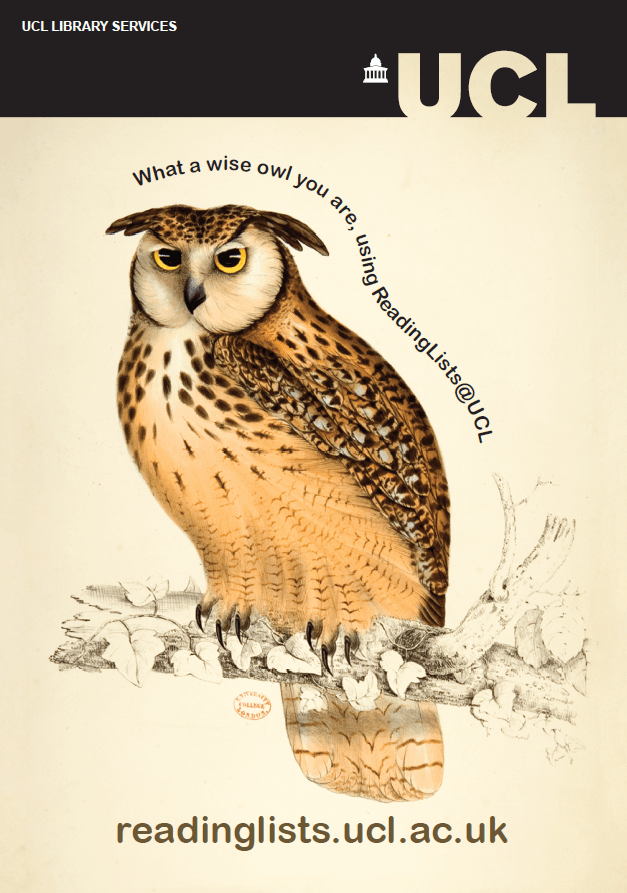
Owl postcard for readinglists@ucl

Owl postcard for readinglists@ucl

Got thoughts on your online reading list? We want to hear them! Take our quick online survey and help us make your experience of using your reading lists even better.

And because we love to spoil you, we have :

  • £25 Loveshop vouchers up for grabs

    Image of £25 love to shop voucher

    Loveshop_voucher

  • Lollipops and chocolate for everyone
  • A whole lot of copyright and reading list fun!

So come for the treats, and leave a little wiser about copyright and your online reading lists. What more could you ask for?

Moodle health checks on offer

By Pamela Clarke, on 24 July 2024

Does your Moodle course contain PDF or Word document readings that may not be accessible, or links that don’t work off-campus?  Have you taken over a module and need help tidying documents into a reading list? Good news:  Teaching and Learning Services (TLS)  can help!

Teaching and Learning Services in the library manages both ReadingLists@UCL and the UCL copyright licences.  Given access to Moodle, or a list of readings, they can undertake a one-off project to re-create your reading list in ReadingLists@UCL and update your links and documents to be both copyright compliant and more accessible.

Owl postcard for readinglists@ucl

Owl postcard for readinglists@ucl

We will give you editing access and offer orientation training so that you or a colleague can take over managing your list once set up.

Contact readinglists@ucl.ac.uk and ask for a ‘Moodle Health Check’. Please note: we are very busy around the start of Terms 1 and 2 but we will let you know a timeline that accommodates our existing workload.


Moodle course readings: spring clean!

By Hazel M Ingrey, on 26 May 2017

To help departments in their take up of online reading lists, and also promote copyright awareness and good practice, Teaching and Learning Services (TLS) have some dedicated project staff time, this June and July.

We are offering to ‘health check’ Moodle courses: transferring readings from Moodle onto online reading lists, and ensuring digitised readings are copyright complaint by using the CLA licence.   If you think your Moodle module would benefit from a tidy ready for next session, or are setting up a new module and would like our help, do get in touch!

We will also input new reading lists for teaching staff who would like to use online reading lists but don’t have time for the initial set up.

Please be aware that our project staff are only available until July 31st.  Contact us at readinglists@ucl.ac.uk  and we will complete work on a first come, first served basis!

As usual, we continue to offer 1:1 sessions and Wednesday afternoon drop-ins in Senate House, for getting started or refresher training with reading lists.


How do I add a pdf to an online reading list?

By Pamela Clarke, on 4 May 2016

Puzzled about how to add digitised readings to your online reading lists for students? Concerned about mysterious pdfs in Moodle?  Or worried about the copyright issues in course readings?

Then worry no more as the Teaching and Learning Services (TLS) are here to help! We offer advice and help to ensure course readings are copyright compliant, using UCL’s CLA licence, and other licencing schemes such as the NLA, and ERA where appropriate. Our course readings service will check readings are legally compliant under one of these licences and add the digitised readings to your online reading list.

To find out more feel free to “drop-in” to TLS (Senate House, room 317, 3rd floor, South Block) between 2.30-4.30 pm on Wednesdays. Contact us at: library-tlss@ucl.ac.uk. We also have webpages with information at your fingertips about the course readings service that you might find helpful.


Add a digitised reading

By Hazel M Ingrey, on 16 September 2015

“How do I add a digitised reading to my online reading list?” is one of our most frequently asked questions.

Many core texts you are able to add yourself, where UCL already subscribes to the full text. Bookmark these types of resources into your reading list in the usual way:

If there is a key reading that you would like to make available, such as a chapter of a book with no existing online version, then the TLSS can help.  The TLSS manages UCL’s CLA licence which enables us to digitise readings within certain limits.  Send us a photocopy or pdf of the extract with a cover sheet.  We will:

  • Confirm receipt and give you an estimated timescale
  • Copyright check the reading and fulfil the technical and reporting requirements of the licence
  • Digitise and upload the reading. Highlight to students that the reading is digitised using the ‘student note’.
  • Email to notify you when the reading is available on the online reading list.

Using this route will ensure your readings are copyright compliant and accessible to students alongside all their other core readings.  Find more information on our course readings webpages.

For a reminder on how to get started with your online reading list, see the Quick Guide, look at our FAQs or call in to a Wednesday afternoon drop-in session.